

Windows Client (Optional)
The browser is the recommended, installation-free way to play Sentibia on desktop, phone and tablet.
This optional Windows RC40 client connects to the same world with your existing account number and Sentibia password. Social-only accounts use the browser.
RC40 for Windows
Version: RC40.3-WIN4.1 · Windows x64 · 211.4 MiB
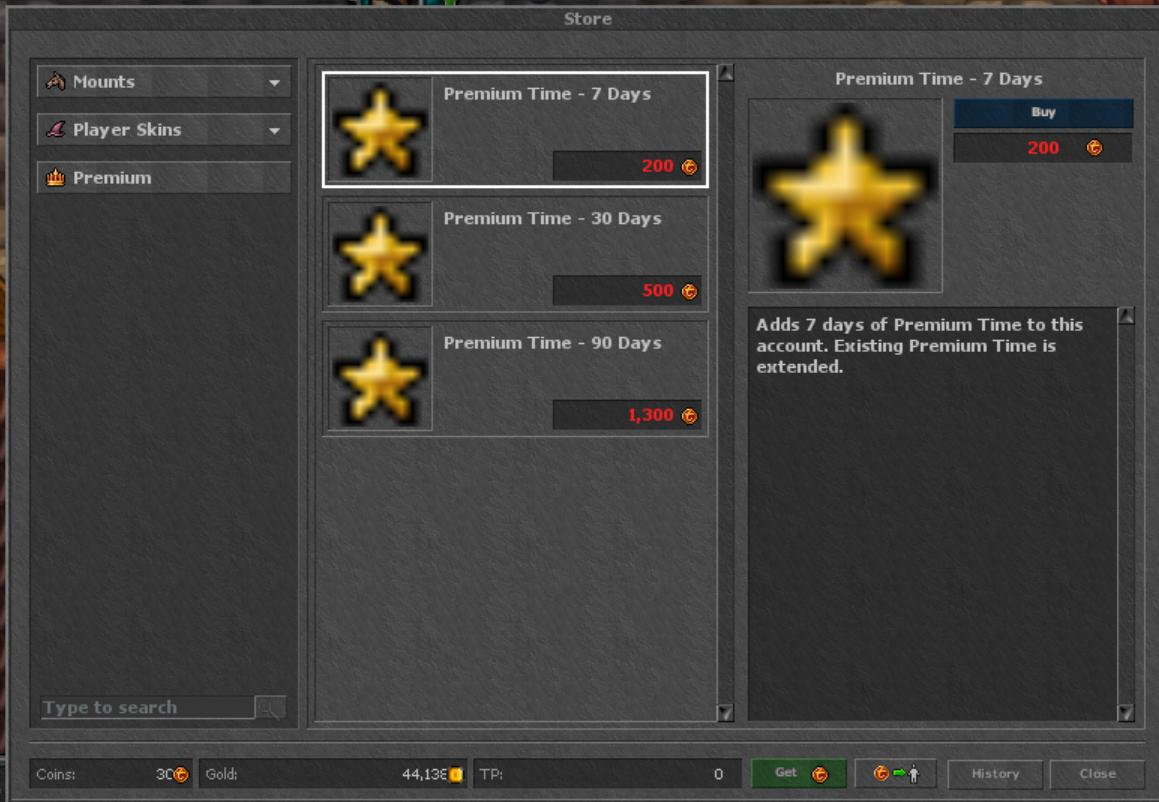
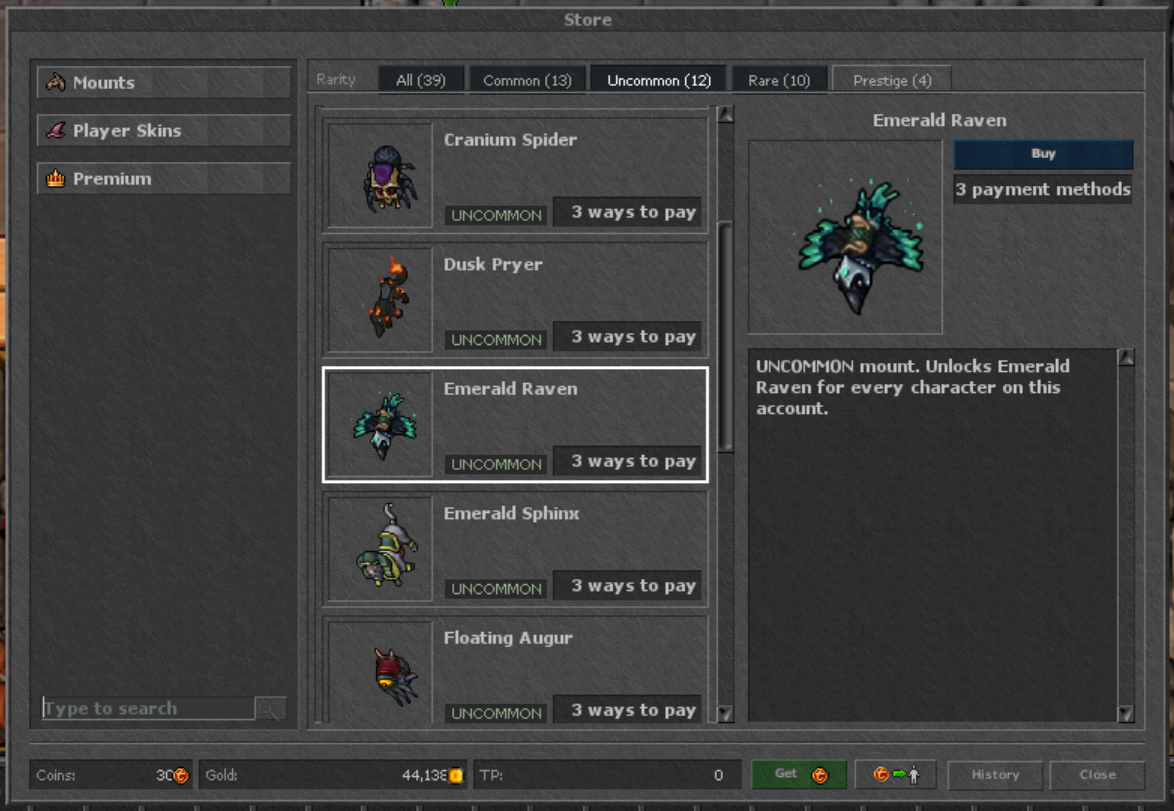
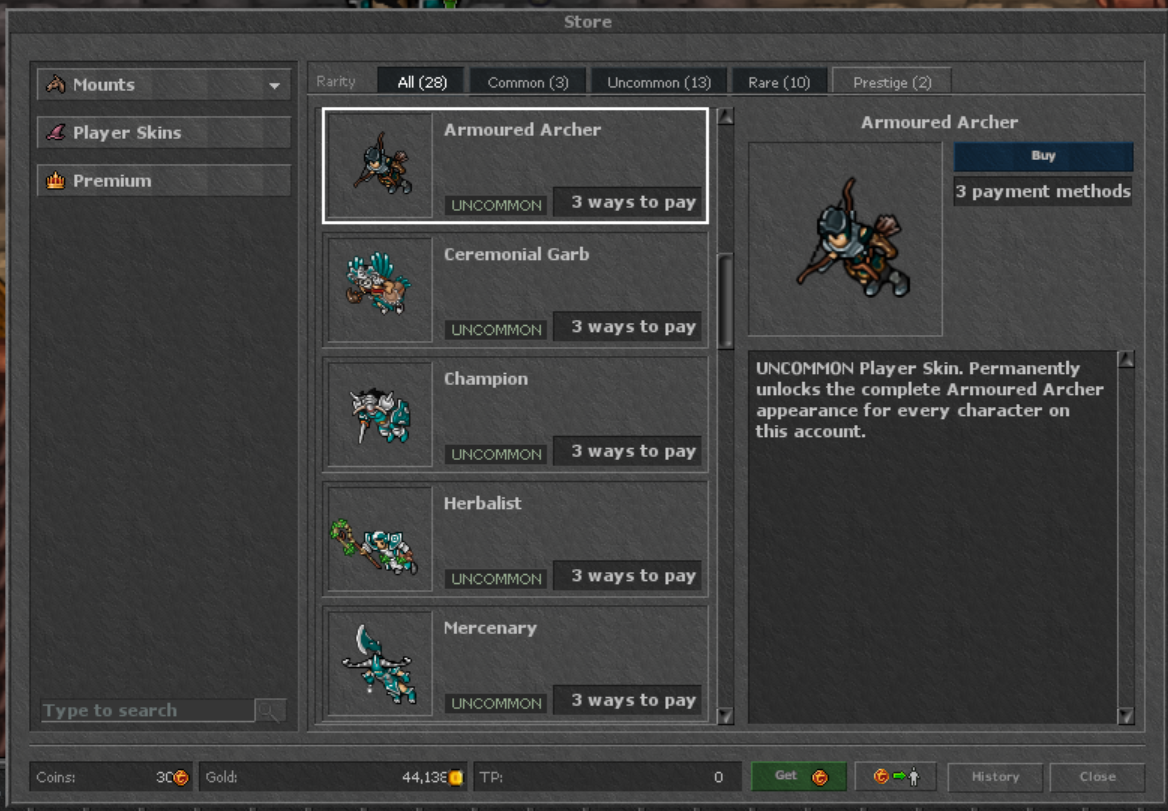
Updated Windows client: RC40.3 Store and service compatibility, restored original Windows interface, fixed black top bar, and restored saved Backpack and window positions. Existing client settings are preserved.
Download Windows Client (Optional)- Download the ZIP and extract all files to a folder you can write to.
- Open Sentibia_RC40_Windows.exe from that folder. Keep the data and modules folders beside it.
- Sign in using your Account Number and existing Sentibia password, then choose your character.
If Windows reports a missing Visual C++ runtime, follow the official Microsoft x64 runtime instructions.
This build is not digitally signed. Check the SHA-256 before running it; respect Windows and device security policies.
ZIP SHA-256: 9abbc0043347fd37f369f57e6fc115fc9277fb080fe9a40ab85818c341f933c5
Executable SHA-256: 741b530b6b5b732a5a3a80b58085394ac8ca12def0d1777e1955e3281a981738
Sign-in methods
Manage how you sign in.